If you’re looking for a WordPress developer in Auckland, you’ve probably already compared a few portfolios. What’s harder to find out is what the project itself will be like: what you’ll be asked for, when, and what tends to slow things down.
Here’s how a typical website build runs with us, from the first conversation to the day the site goes live, and what you can do at each stage to keep it moving.
Step one: a conversation about what the site needs to do
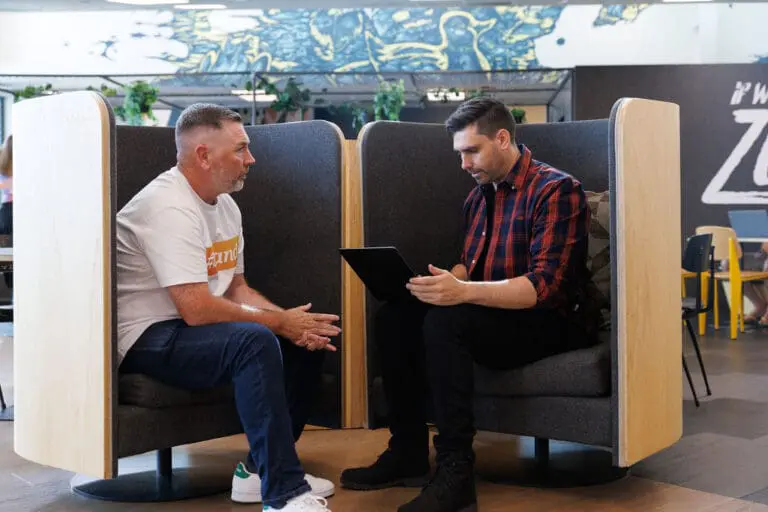
The first conversation is free, and it’s mostly questions. What should the website do for your business? Bring in enquiries, take bookings, sell products, or cut down the calls your team takes every day? Who is it for, and what do those people need to find quickly? If you already have a website, we’ll look at what’s working on it and what’s worth keeping.
Most first meetings happen over a video call. We’re based in the Auckland CBD and in-person meetings are welcome when they’re booked ahead, but most people find a call easier to fit into a busy day.
Step two: a sitemap and a fixed proposal
Next comes a sitemap: a list of every page on the new site and how they connect. It’s one of the most useful documents in the whole project, because it settles the scope before anyone starts designing.
From the sitemap we write a fixed proposal, broken into line items so you can see what each part costs. If the budget is tight, line items let you take something out or leave it for later, rather than squeezing everything. Anything added after the design is signed off is quoted separately, so the final invoice holds no surprises.
Step three: design and content, side by side
There are two design routes. For simpler sites we design in-house, which is quicker and costs less. For larger or more complex projects we work with a trusted design partner, which takes longer and gives a more tailored result. Either way, you’ll see the homepage first, give feedback, and then see the rest of the pages.
This is the stage where most website projects stall, and it’s rarely because of the design. It’s the words and photos. When content isn’t ready, the design gets signed off with placeholder text, the build finishes, and the site sits waiting while someone writes the About page.
Real content also makes for a better design. A headline twice as long as the placeholder, or a team page with eight people instead of three, changes the layout. It’s far easier to sort that out in the design than after the build.
So we ask for the copy and photos to be written alongside the design and placed in it before you sign off. If writing isn’t your thing, a copywriter is money well spent, and we can recommend one.
What to prepare before you start
- Your logo files and brand colours, if you have them.
- Logins for your domain and current hosting, or at least the name of the company each one is with.
- A list of your most visited pages, so they keep their web address and their place on Google.
- Real photos of your team, your work and your premises. They beat stock photos almost every time.
- One person to sign things off. A single decision maker keeps feedback clear and the project moving.
Questions worth asking at the first meeting
- Who will I deal with day to day?
- Is the price fixed, and what isn’t included?
- Who writes the content, and when is it due?
- Where will the site be hosted, and who looks after it after launch?
- Will I be able to edit the site myself?
- Who owns the domain and the website once it’s paid for?
Clear answers to these are a good sign, whoever you end up choosing.
Step four: the build
Once the design is signed off with the final content in place, we take over the project management and build the site in WordPress on a private staging copy. You’ll get a link to review it, and we work through your feedback in rounds rather than one email at a time, which is quicker for everyone.
Before launch, we test on the latest two versions of Chrome, Firefox, Edge and Safari, and on iPhones and Android phones. Every form is tested end to end, because a form can show its thank you message and still send nothing.
We build, host and look after WordPress websites for Auckland businesses, with one team responsible from the first call to long after launch.
Step five: go-live and handover
Launch day is mostly technical. The site moves to its live server, the domain is pointed at it, the security certificate is checked, and redirects are set up so every old web address goes to the right new page. Redirects matter more than they sound: pages that already rank on Google keep their place, and nobody lands on a dead link.
Then we show you how to edit the site yourself, with a training session included. Changing a phone number or adding a blog post shouldn’t need a developer. For anything you’d rather hand off, there’s a care plan. After completion there’s also a 14-day window for reasonable tweaks within the original scope.
Why a WordPress developer in Auckland still helps
Plenty of good web work happens entirely over video calls, so being local isn’t essential. What an Auckland developer gives you is the same time zone, someone who understands how New Zealand businesses work, and a team you can get hold of during your working day when something needs sorting.
That matters most after launch, which is where a lot of developers drop away. Every site we build moves onto our managed hosting, so the same people who built it keep it updated, backed up and secure.
The bottom line
A good WordPress build has a clear sitemap, a fixed price, content finished before the build starts, and someone looking after the site once it’s live. Ask any Auckland developer you’re considering how they handle each of those, and you’ll learn a lot about how the project will go.