
The easiest way to add a page that matches the rest of your site is to copy one you already have. Here are both ways to do it.
The quick way: copy an existing page
- Go to Pages and hover over a page that’s similar to the one you need.
- If you see Clone or New Draft, click it. You’ll get a copy you can change without touching the original.
- Open the copy in your page builder (for example Edit with Elementor, or Divi’s Visual Builder), change the title, words and images, then click Publish.
Starting from a blank page
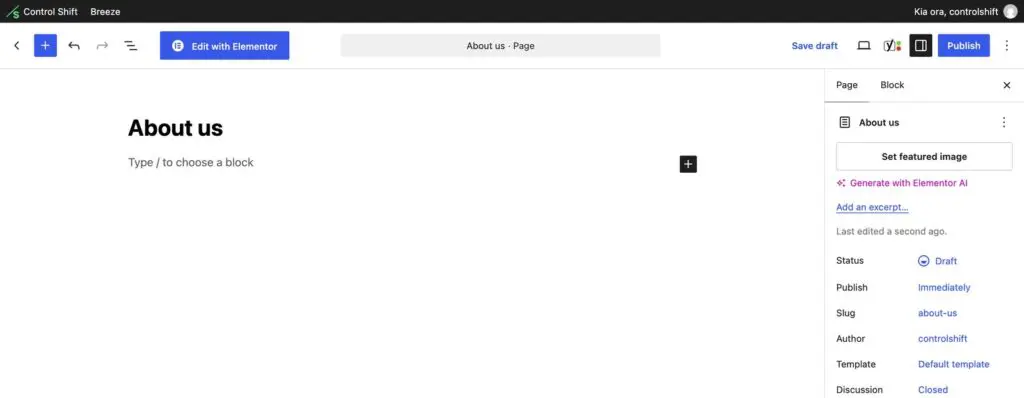
- Go to Pages and click Add Page.
- Type the page title at the top.
- Open it in your page builder to design the page, for example Edit with Elementor.
- When you’re happy, click Publish.
Adding it to your menu
A new page doesn’t appear in your website’s menu automatically. If you have access, go to Appearance then Menus, tick your new page and click Add to Menu, then Save Menu. If you don’t see that option, ask us and we’ll add it.
Before you publish
- Give the page a clear title that says what it’s about.
- Check it on your phone using the preview.
- Link to it from a related page, so visitors and Google can find it.