
It happens to everyone. You can reset your own password from the login page in a couple of minutes.
Resetting your password
- Go to your login page (your website address followed by /wp-admin).
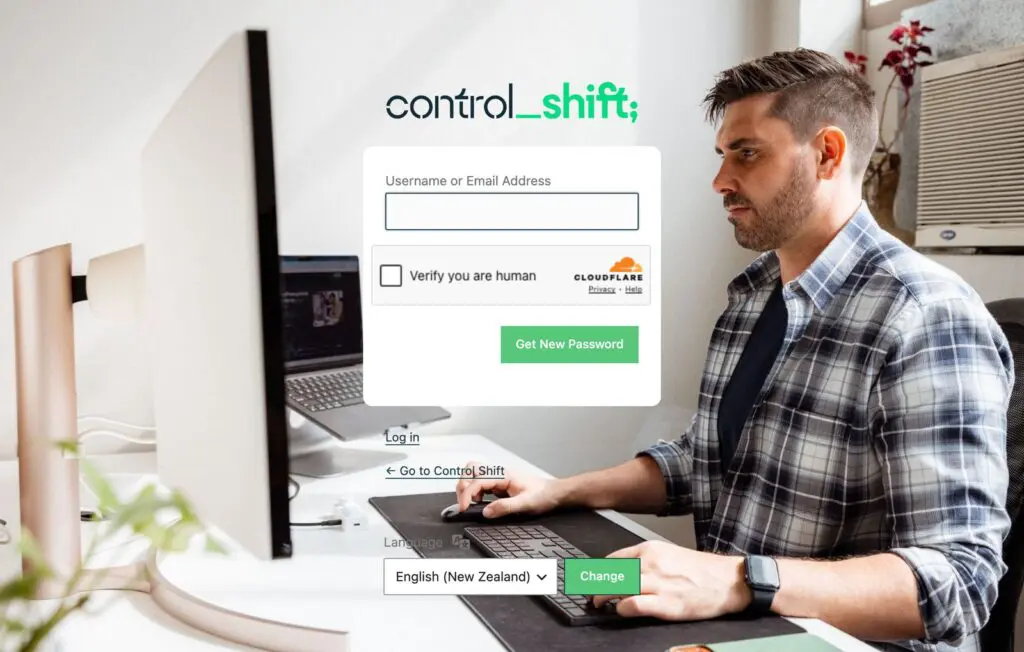
- Click Lost your password? under the login box.
- Enter your username or the email address on your account, and tick the Verify you are human box if there is one.
- Click Get New Password.
- Open the email from your website and click the link inside it.
- Choose a new password and save it.
The email didn't arrive?
- Check your spam or junk folder.
- Make sure you used the email address that’s on your website account, which may be an older one.
- Give it five minutes, then try once more.
Still nothing? Send us a support request and we’ll reset it for you. If password emails never arrive, it can be a sign your website’s email isn’t set up properly, which is worth fixing because your contact form uses the same system.
Keep it safe
Use a long password you don’t use anywhere else, and keep it in a password manager rather than a note or an email.