
Your website has a private admin area where you update pages, write blog posts and manage users. Here’s how to get into it.
Logging in
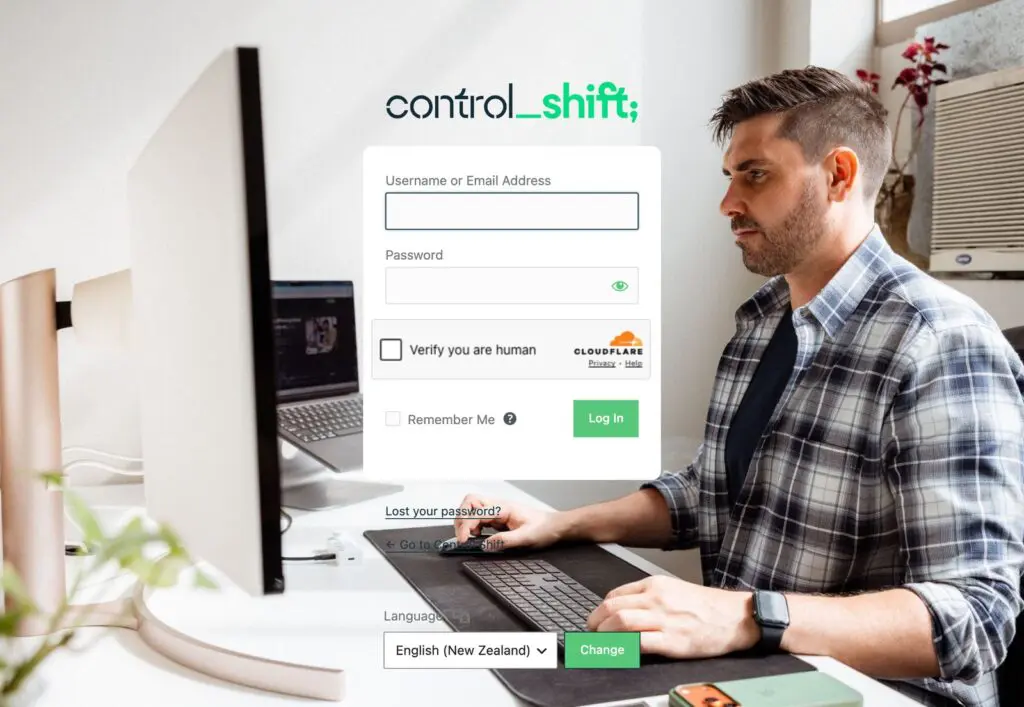
- Go to your website address and add /wp-admin to the end, for example yourbusiness.co.nz/wp-admin.
- Enter your username or email address, and your password.
- If there’s a Verify you are human box, tick it.
- Click Log In.
What you'll see next
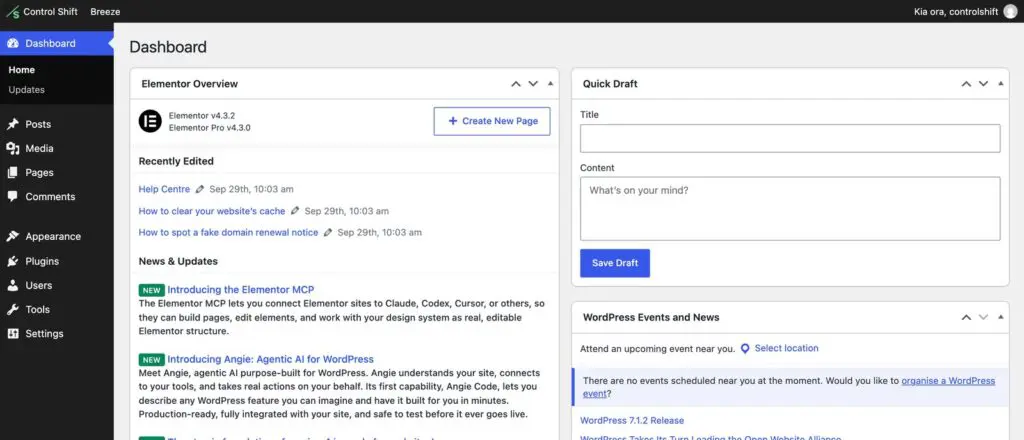
You’ll land on the Dashboard. The menu down the left takes you to your Pages, Posts, Media and Users. Most sites we build also use Elementor, which is what you use to change how a page looks.
A few tips
- Bookmark the login page so it’s always one click away.
- Only tick Remember Me on your own computer or phone.
- Never share your login. If someone else needs access, give them their own user instead.
- Forgotten your password? Here’s how to reset it.