
There are tens of thousands of WordPress plugins, and most websites need surprisingly few. These are the ones we use and trust on the sites we build and look after, with a line on why.
Forms
- Gravity Forms (paid). Reliable forms that save every enquiry in your dashboard, so nothing is lost if an email goes astray. Here’s how to change who receives them.
Search engines
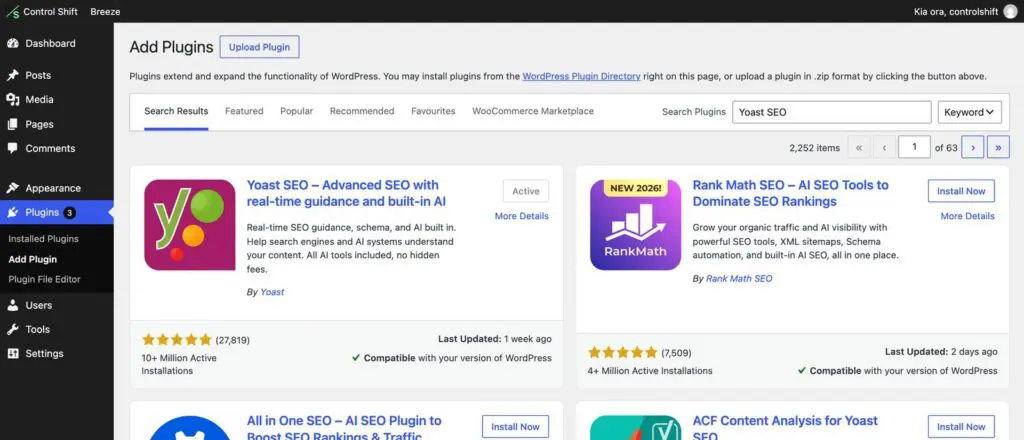
- Yoast SEO. Page titles, descriptions and your sitemap, with handy redirects in the paid version. See how to set headings and descriptions.
Spam protection
- Simple Cloudflare Turnstile (free). Stops spam on your forms and login page without making people solve puzzles.
Speed
- Smush. Shrinks your images and serves modern formats like WebP, which is one of the easiest speed wins.
- Caching: use the one your host recommends. On our hosting that’s Breeze, already set up. Never run two caching plugins at once.
Security and peace of mind
- Wordfence. A firewall and login protection for WordPress.
- WP Activity Log. A record of who changed what, which is very handy when something moves and nobody knows why.
- Backups: daily backups should come from your host. Ours run every day at server level.
Editing
- Elementor Pro, Divi or WPBakery for page building. Pick one and stick with it.
- Yoast Duplicate Post. Copies a page or post in one click. See how to duplicate a page.
Online shops
- WooCommerce for the shop itself, with WooCommerce Stripe Payment Gateway for card payments.
- PDF Invoices & Packing Slips for tidy tax invoices.
- MyWorks Sync for Xero to send orders to your accounts. Here’s how to connect WooCommerce to Xero.
Good habits
- Fewer is better. Every plugin adds code to load and something to update. If you’re not using it, delete it.
- One job, one plugin. Two plugins doing the same thing usually clash.
- Only install from trusted places: the WordPress plugin directory or the maker’s own website. Never download “free” copies of paid plugins, as they’re a common way sites get hacked.
- Keep them updated, and test anything that handles payments first.
Not sure whether a plugin is safe or worth adding? Send us a support request and we’ll take a look before you install it.